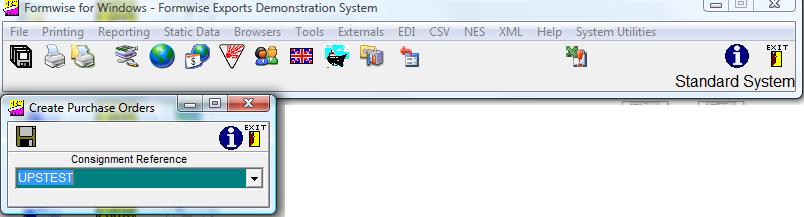
This option is aptly named as it will create purchase orders for all suppliers in a job where :-
1. The line item has been checked as Buy-in
2. The line item has a Supplier code from the static file logged against the line item
3. A cost price has been entered
You should click on the Tools option followed by Split etc and you will then be asked to enter / select the consignment reference and confirm by clicking on the "Save" button, where the Help tag will be "Create Purchase Orders
The system will then create the appropriate number of jobs as Purchase Orders, and they will be stored under the consignment reference with a suffix of 001, 002 etc.