(not available in the EASI range of systems)
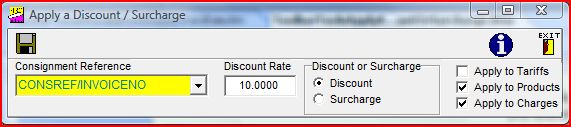
On selecting
this option from the drop down list a panel will appear as shown above.
Please enter the necessary information to apply the discount or surcharge. The
 button which runs the routine will only appear as an active button when all the information is entered.
button which runs the routine will only appear as an active button when all the information is entered.